On a large terminal project, every sheet's annotations had to exist in two languages. Re-typing thousands of text notes by hand—and keeping them in sync as the drawings changed—wasn't realistic. This pyRevit tool turns that into a clean round-trip.
A custom Revit ribbon exports every TextNote, along with view and sheet names, from the sheets you choose into a single JSON file. Each row carries the original text and a translation field; once those are filled in, the tool reads the file back and writes the translated text straight into the live model—over 3,800 items in one pass, with a summary of exactly what changed.

A custom “Text” tab adds two commands—Export TextNotes and Import Translations—so the entire workflow lives inside Revit, with no external app to launch.
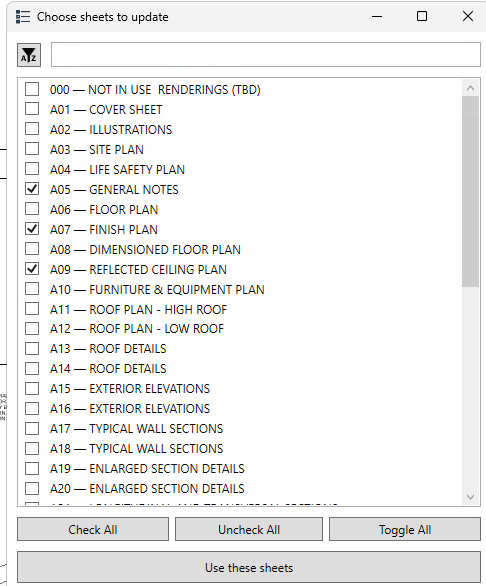
A searchable checklist scopes the run to exactly the sheets you want—cover sheet, general notes, plans—rather than the entire model at once.
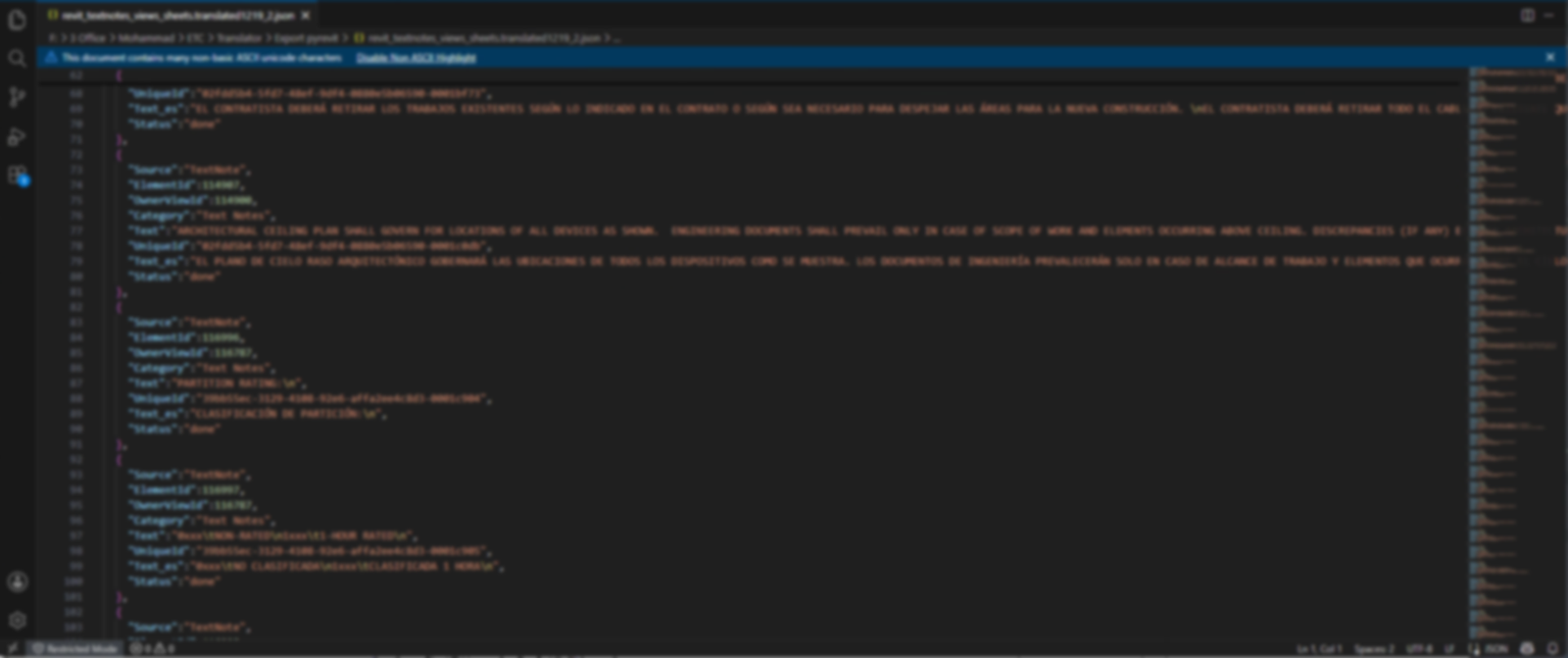
Every annotation lands as a row with its source text, a Text_es translation field, a status, and the IDs that tie it back to a specific element. Translation happens on plain data, fully decoupled from the model.
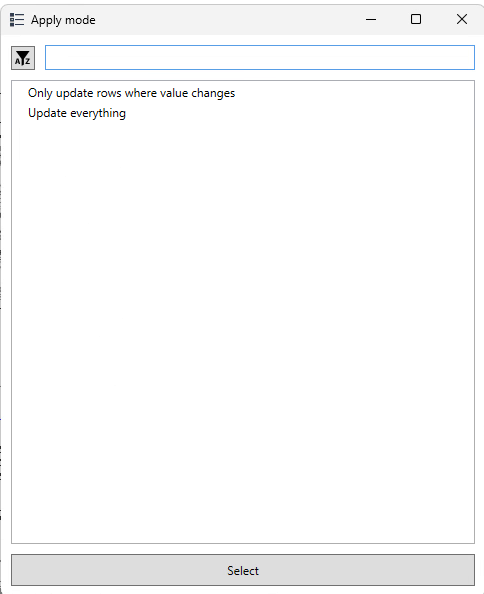
On import you choose to update only the rows whose value changed, or to rewrite everything—keeping large runs fast and predictable.
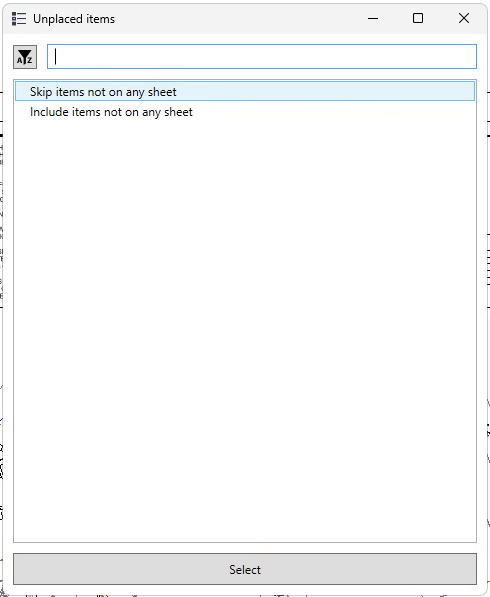
A second prompt decides what to do with items that aren't placed on any sheet, so stray notes are never silently changed.
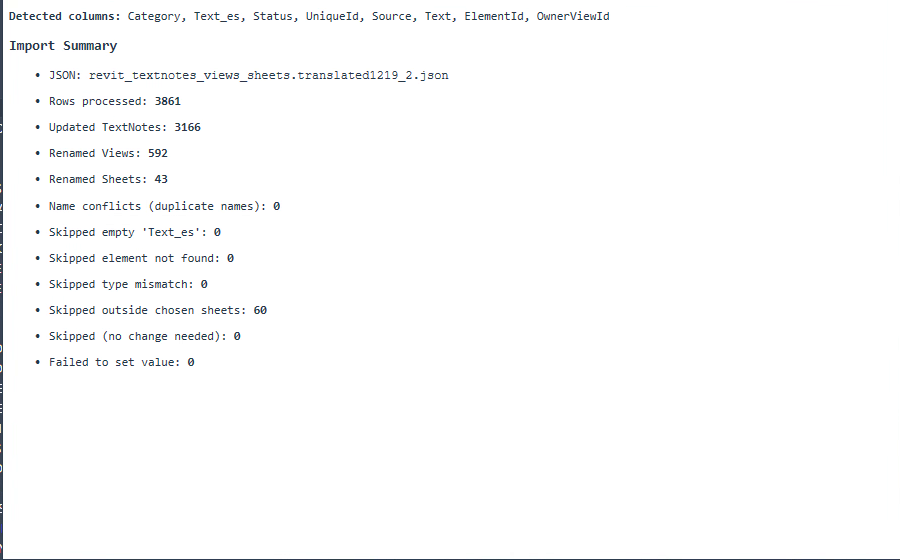
Every run ends with a summary—rows processed, TextNotes updated, views and sheets renamed, and every reason an item was skipped. In this run: 3,861 rows, 3,166 notes updated, 592 views and 43 sheets renamed, zero failures.
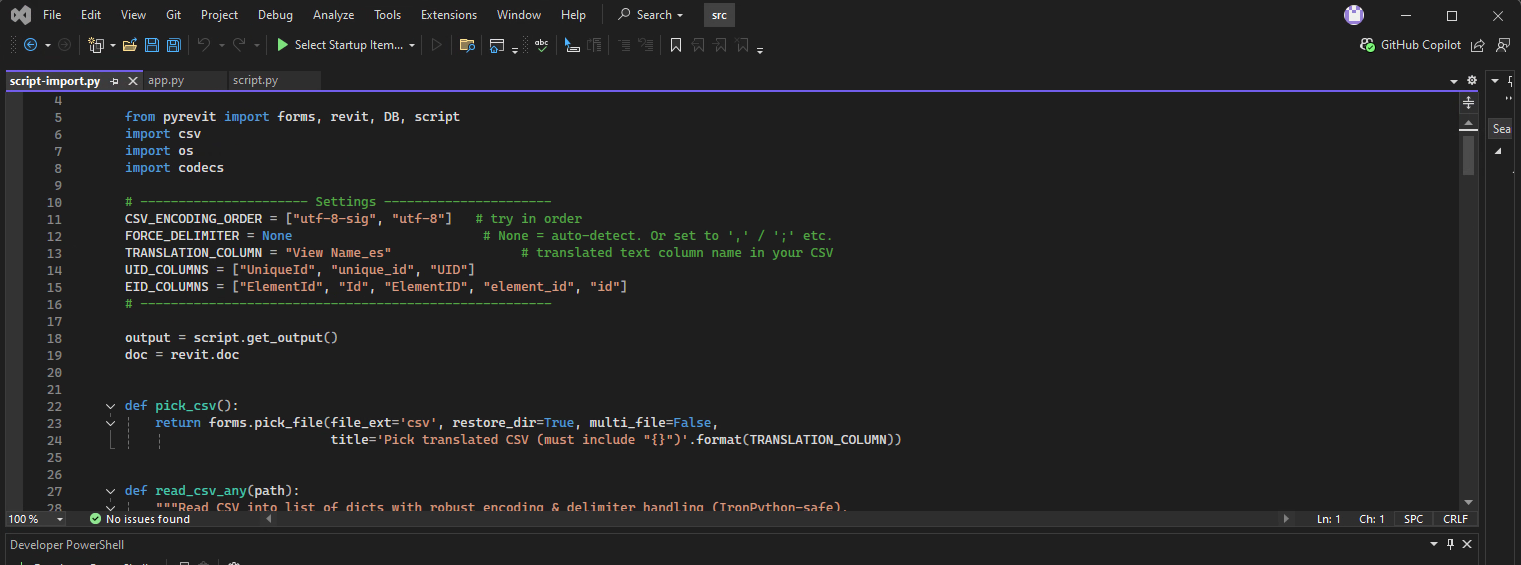
The tool is written in Python on the Revit API and runs through pyRevit. Export walks the chosen sheets, collects every TextNote (and the names of the views and sheets they sit on), and serializes each one—category, text, status, and a persistent UniqueId—into a single JSON file.
Because the data lives outside the model, translation can happen anywhere: a spreadsheet, a translator, or a machine-translation pass—without touching Revit. Import then matches each row back to its element by UniqueId and writes the translated string, so edits land on exactly the right note even after the model has moved on.
Guardrails keep large runs safe—you scope by sheet, choose whether to overwrite unchanged values, decide how to handle unplaced items, and read a full summary of what changed, down to the count of items skipped for falling outside the chosen sheets.